Adding a new group
Organise your venues into groups by brand, city or any grouping that suits you.
-
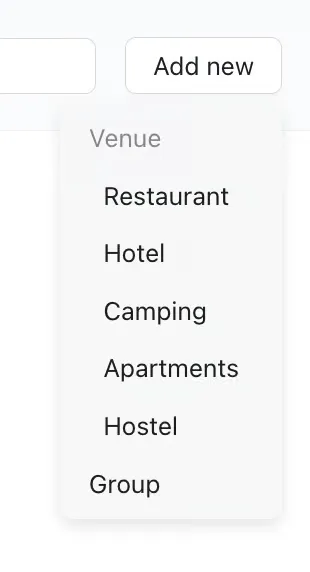
To create a new group, simply click ‘Add new’ in the upper right hand corner of your page and select ‘Group’.
-
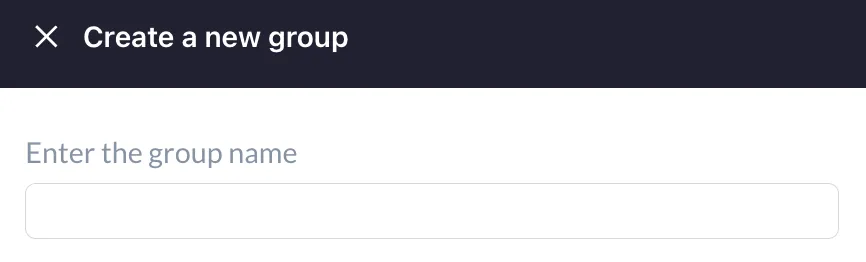
Enter your group name. This can be venue name, geographic location, or any way that works best for you.
-
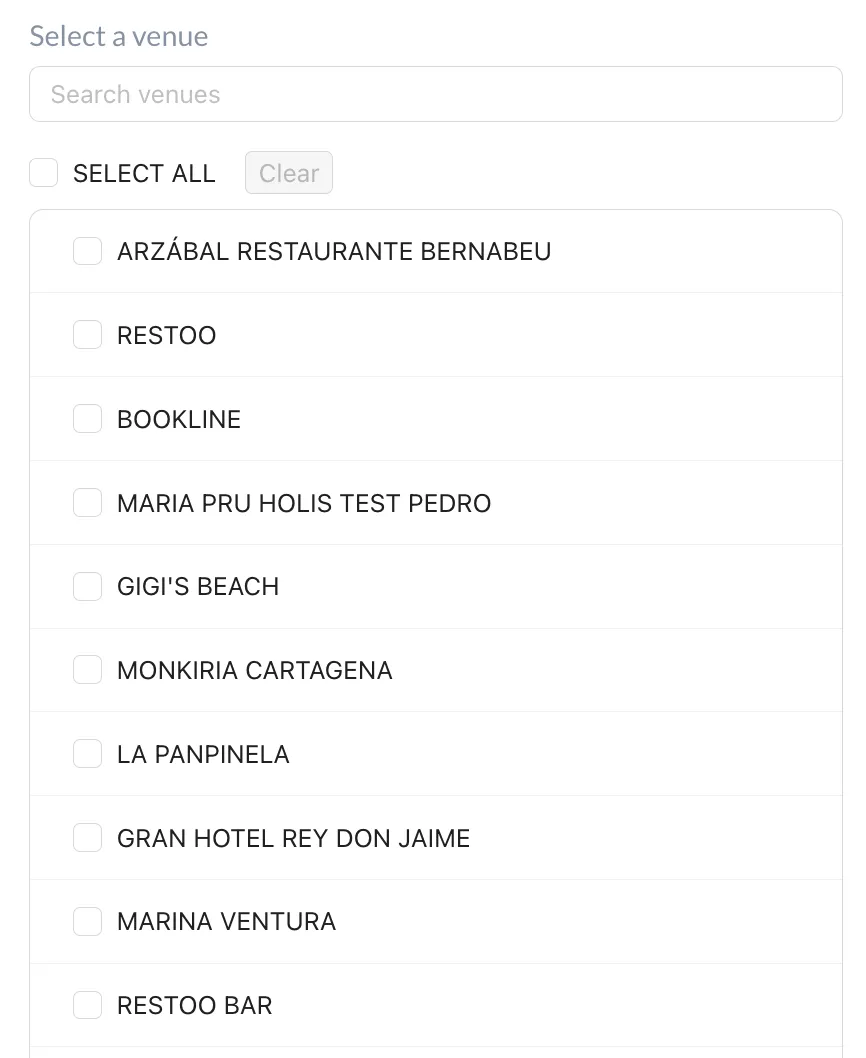
To add a venue to a group, search for it by name or select it from the list. Please note that the venue must already be created before it can be added to a group.

-
Save your group by clicking the blue Save Group button at the bottom of the page.