Adding a new Hotel/Camping/Apartment/Hostel
Add a hotel, campsite, apartment or hostel to the portal, importing its details from Google.
-
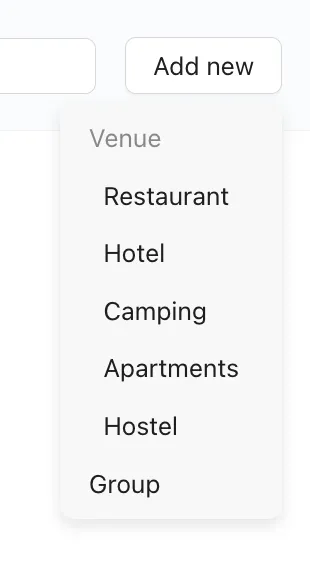
To add a new accommodation, simply click ‘Add new’ in the upper right hand corner of your page and make your selection.
-
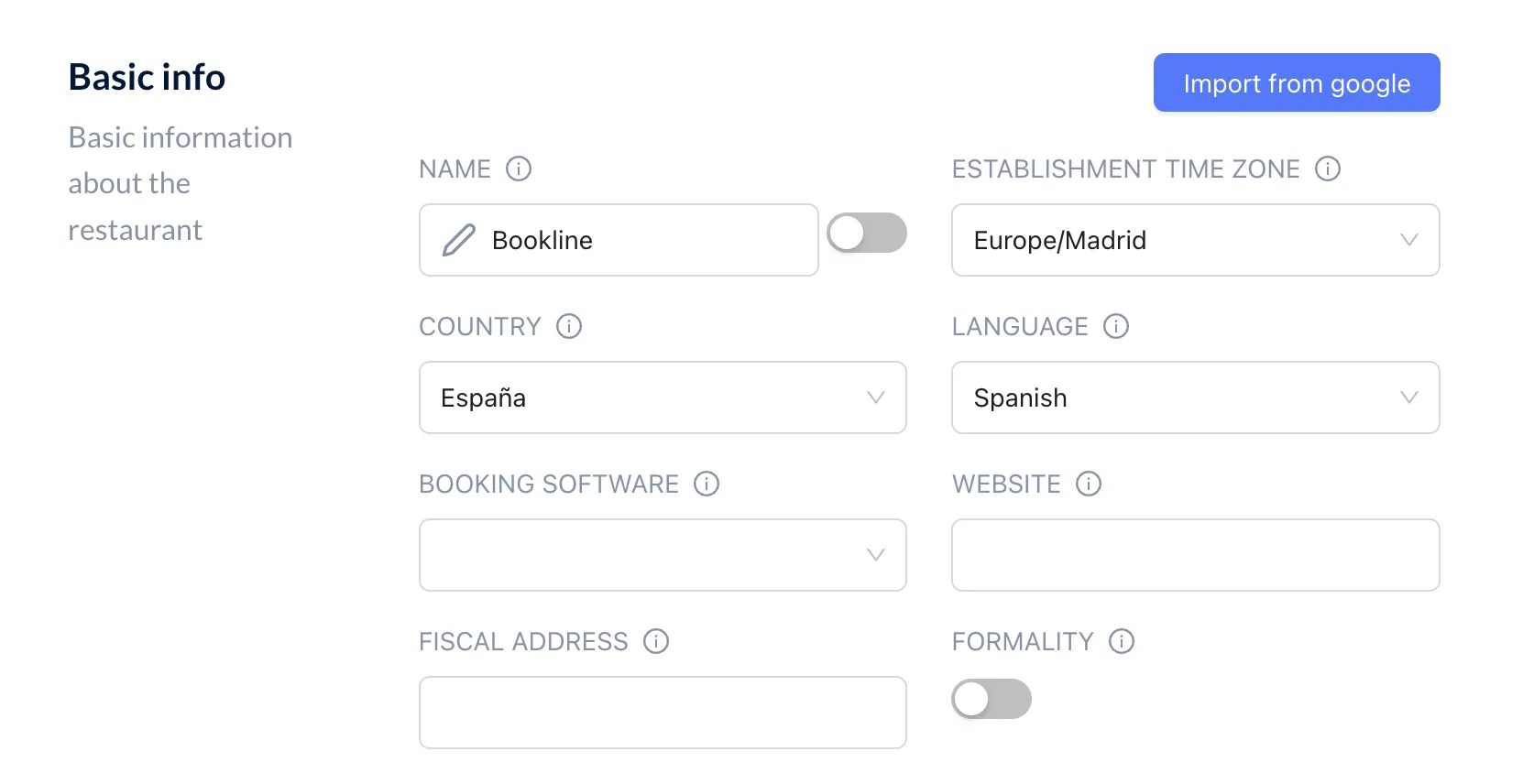
The easiest way to get started is to import your accomodation’s information directly from Google.
-
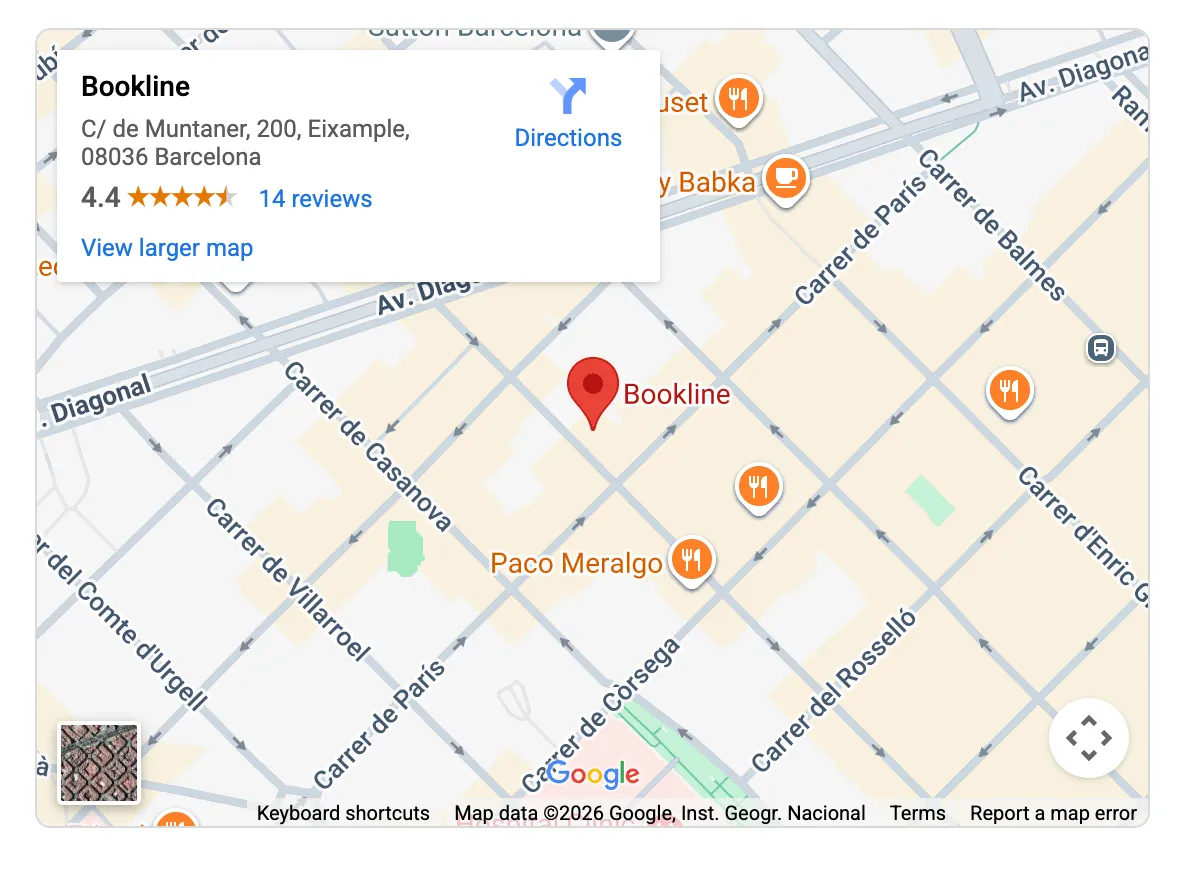
Type your accommodation’s name and location into the search bar to see it appear on the page.
-
Any missing information such as the Country can be filled in manually.
-
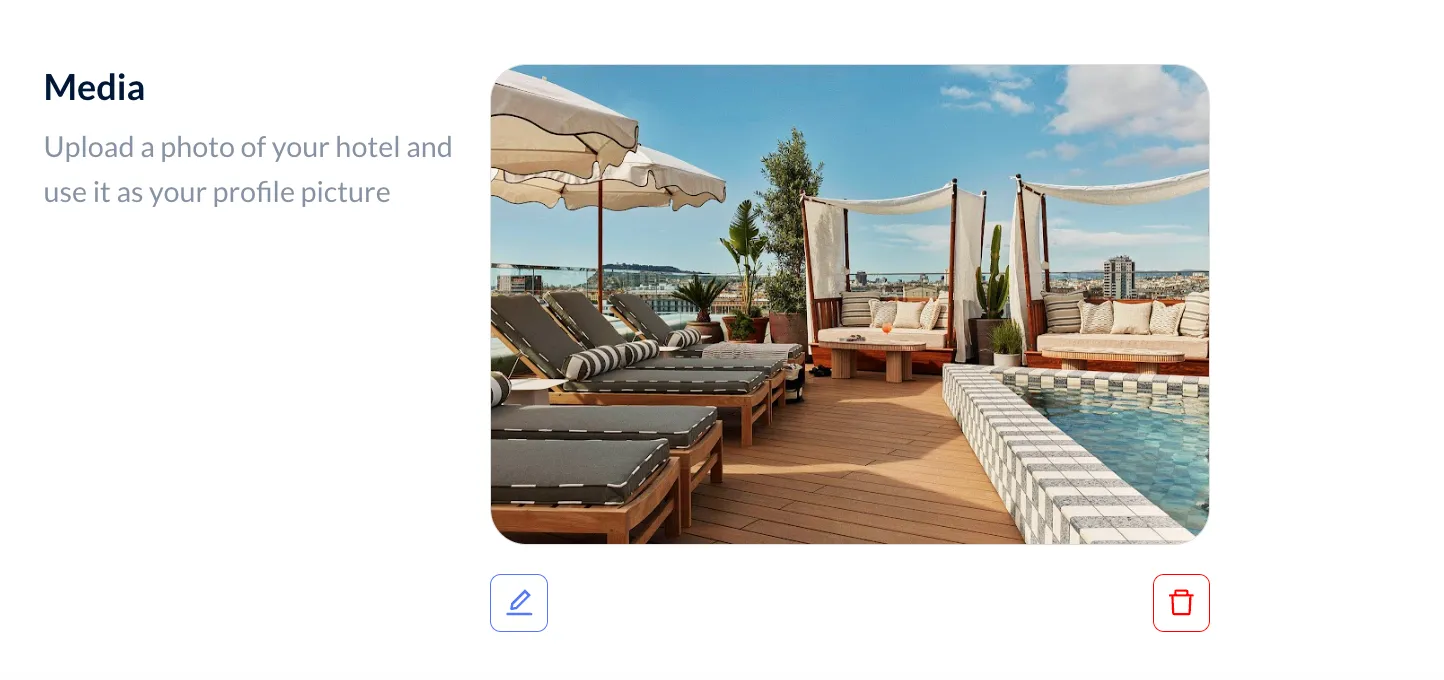
The default image will be the same as your accommodation’s image on Google. You have the option to upload a different photo if you choose.