
Cross-selling
Offer an alternative time or a nearby location when the customer's first choice is unavailable.
Bookline’s cross-selling feature allows you to offer alternate times or restaurant locations when a customer’s original reservation request can’t be accommodated.
To activate this feature:
Section titled “To activate this feature: ”-
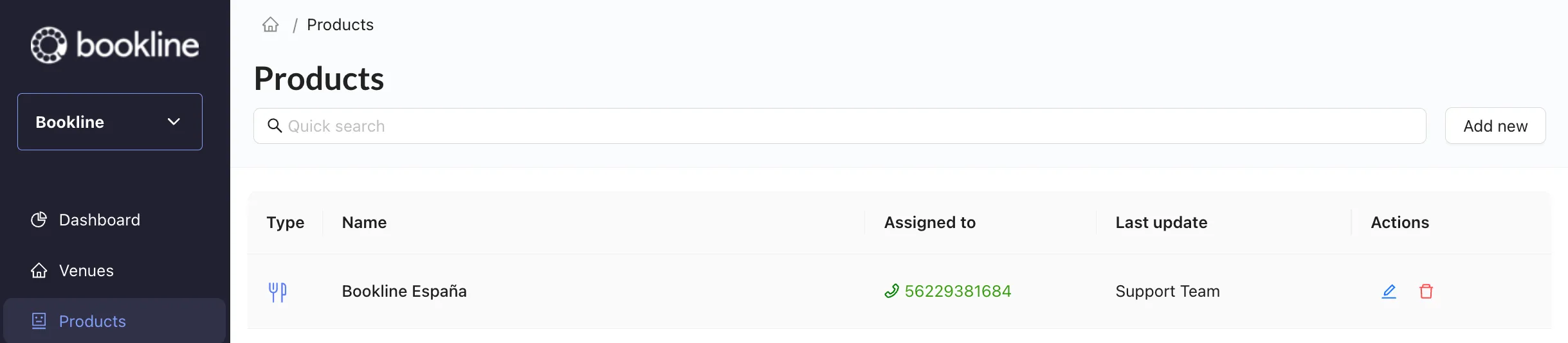
Double click or choose to edit your bot on the Products page of the client portal.
-
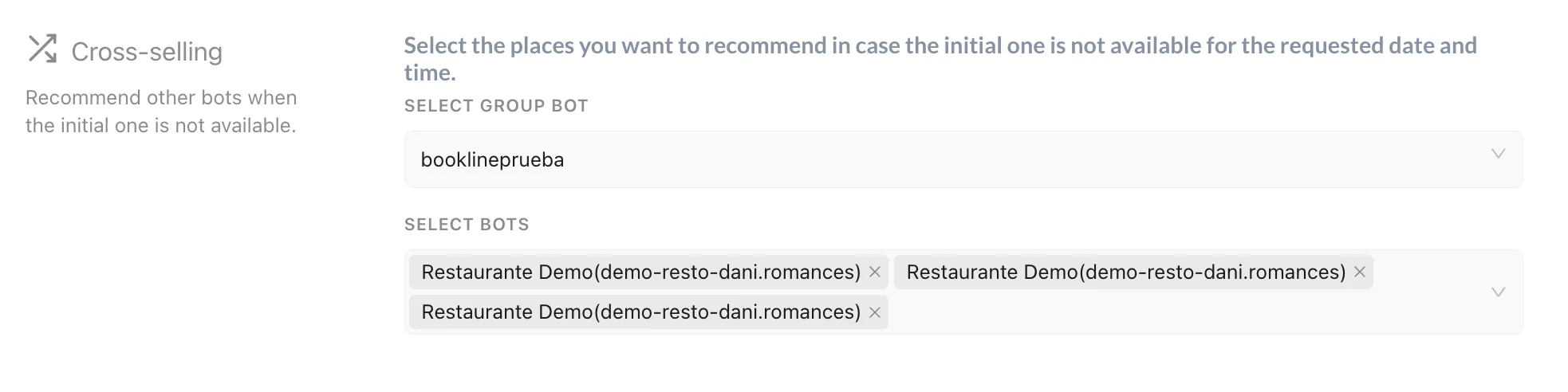
Locate the Cross-selling section. If your bot does not have this section, please contact support to activate cross-selling for your product.
-
In this section, you will have the option to select a bot from the same Group that will serve as an alternate venue if the customer’s requested reservation time and location is not available.
More information about Creating a new group can be accessed here in our docs.