Group requests
How a large-party booking request is taken by phone or WhatsApp, and where you answer it.
-
To activate Group Requests, please make sure you’ve already submitted a request to our support team through the Products page in the client portal.

-
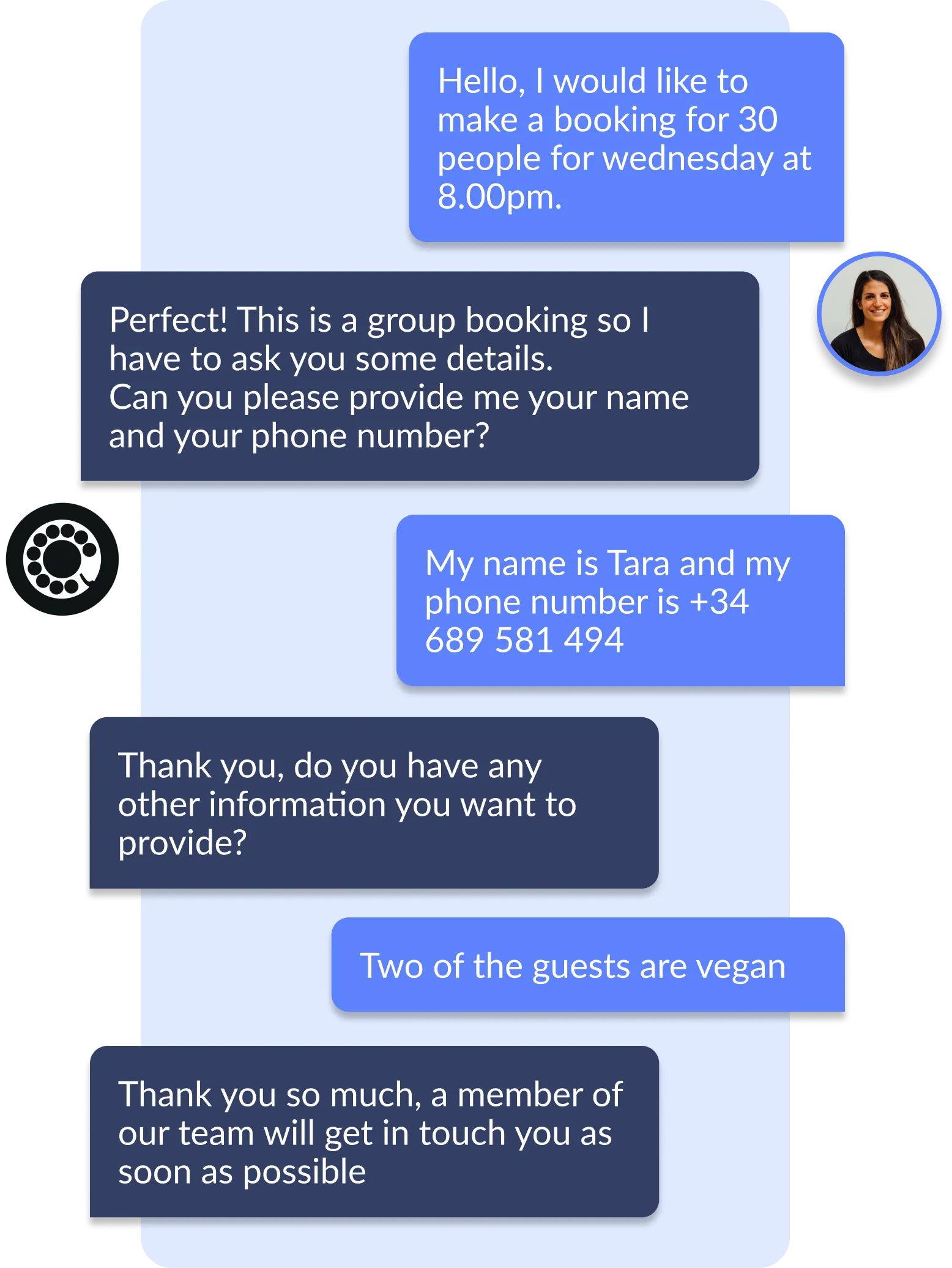
Once activated, the customer can make a group booking request through our product via phone or WhatsApp.
The bot will take the name, email, phone number and special notes about inquiries.
-
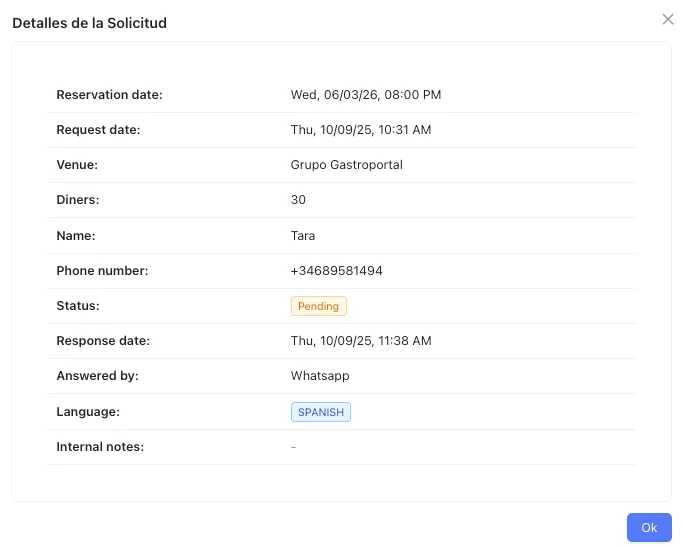
In our portal in the Requests page you can you Accept, Reject, Follow-up, Edit the request.