Adding a new Whatsapp number
How to add a new WhatsApp number
Section titled “How to add a new WhatsApp number”-
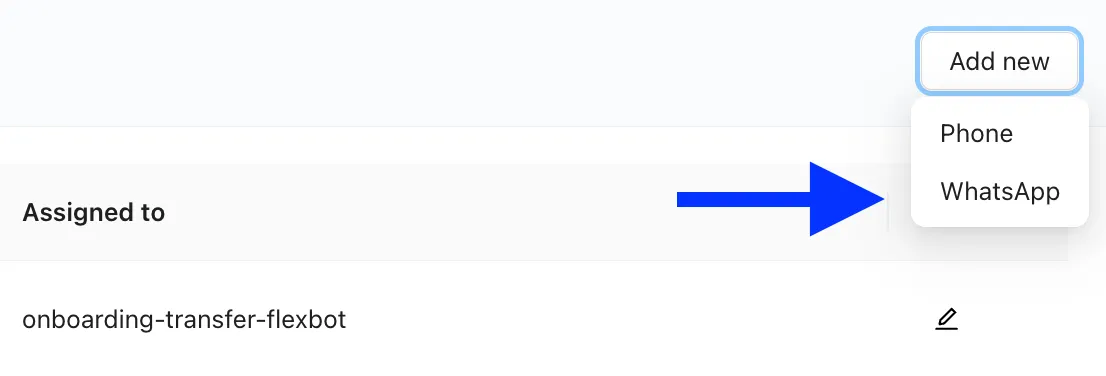
To add a new Whatsapp number Click “Add New” and select Whatsapp. This number will serve as the public-facing number for the WhatsApp Business API account.
-
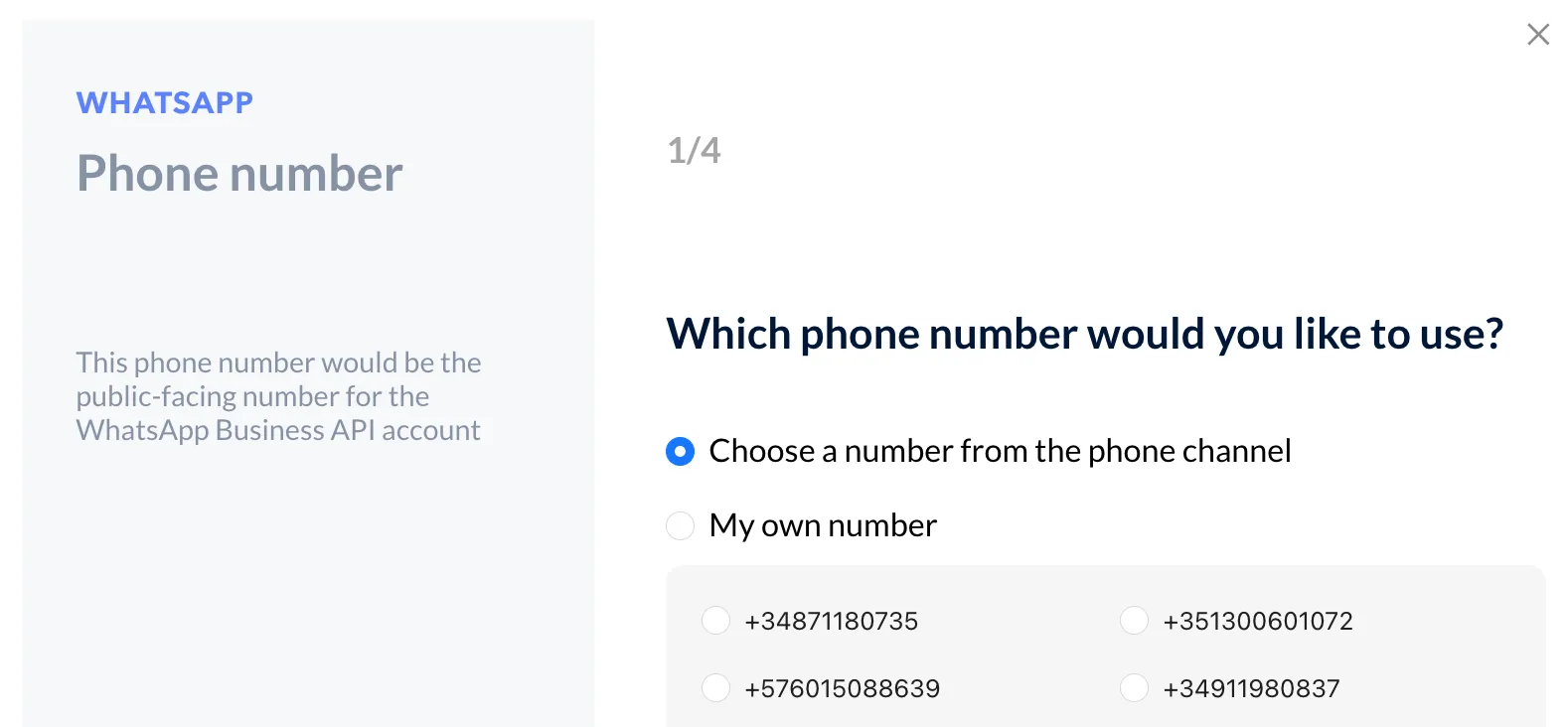
There are two options to choose from for your WhatsApp Business API account number:
- You can select an unassigned number from your list of purchased numbers.***
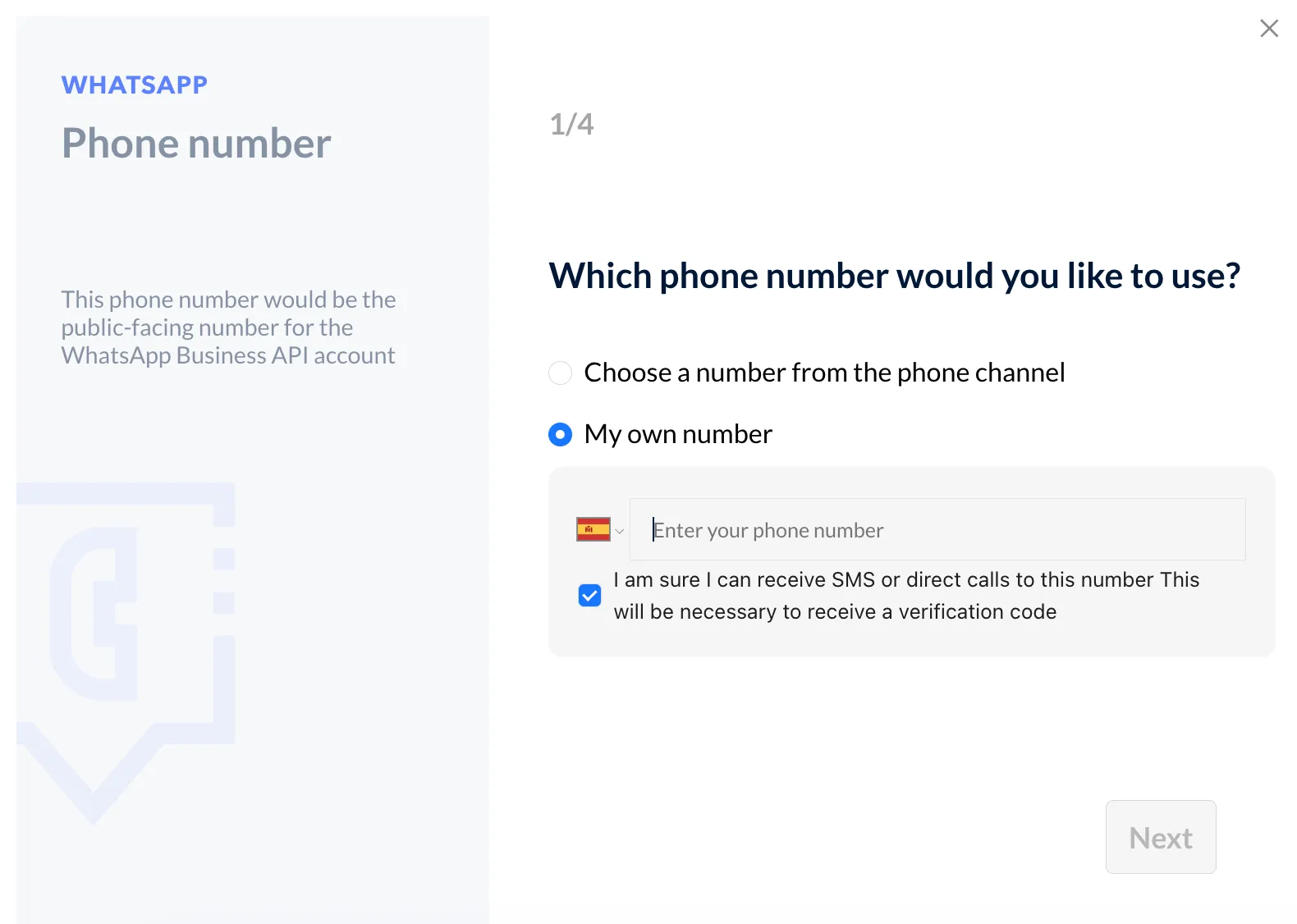
- Use your own number.
If you choose this option, complete the form with the corresponding country code and phone number. Check the box to receive SMS or direct calls as it will be necessary to receive a verification code.
-
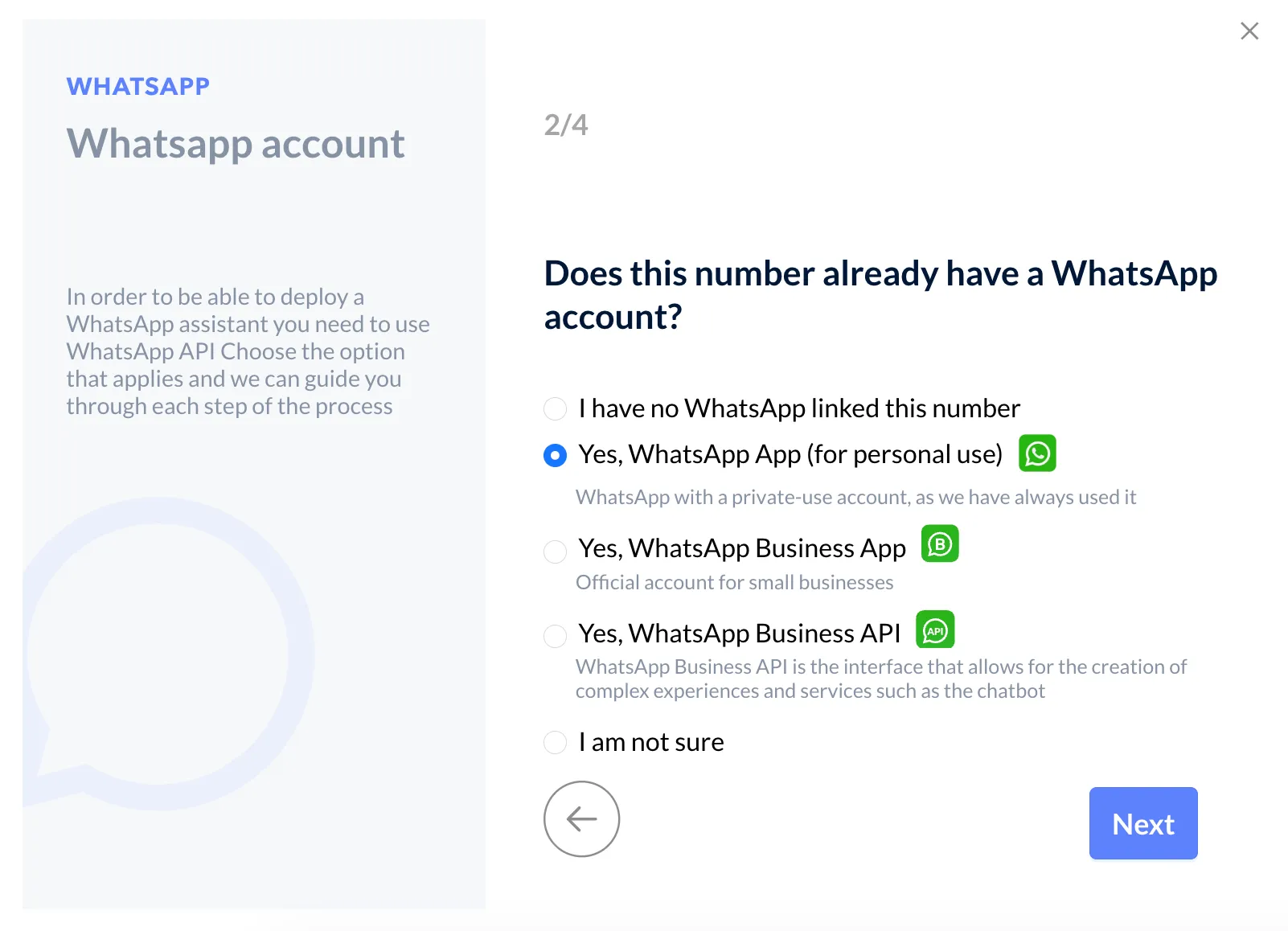
Next, you will be asked to confirm if the number is already associated with a WhatsApp account.
-
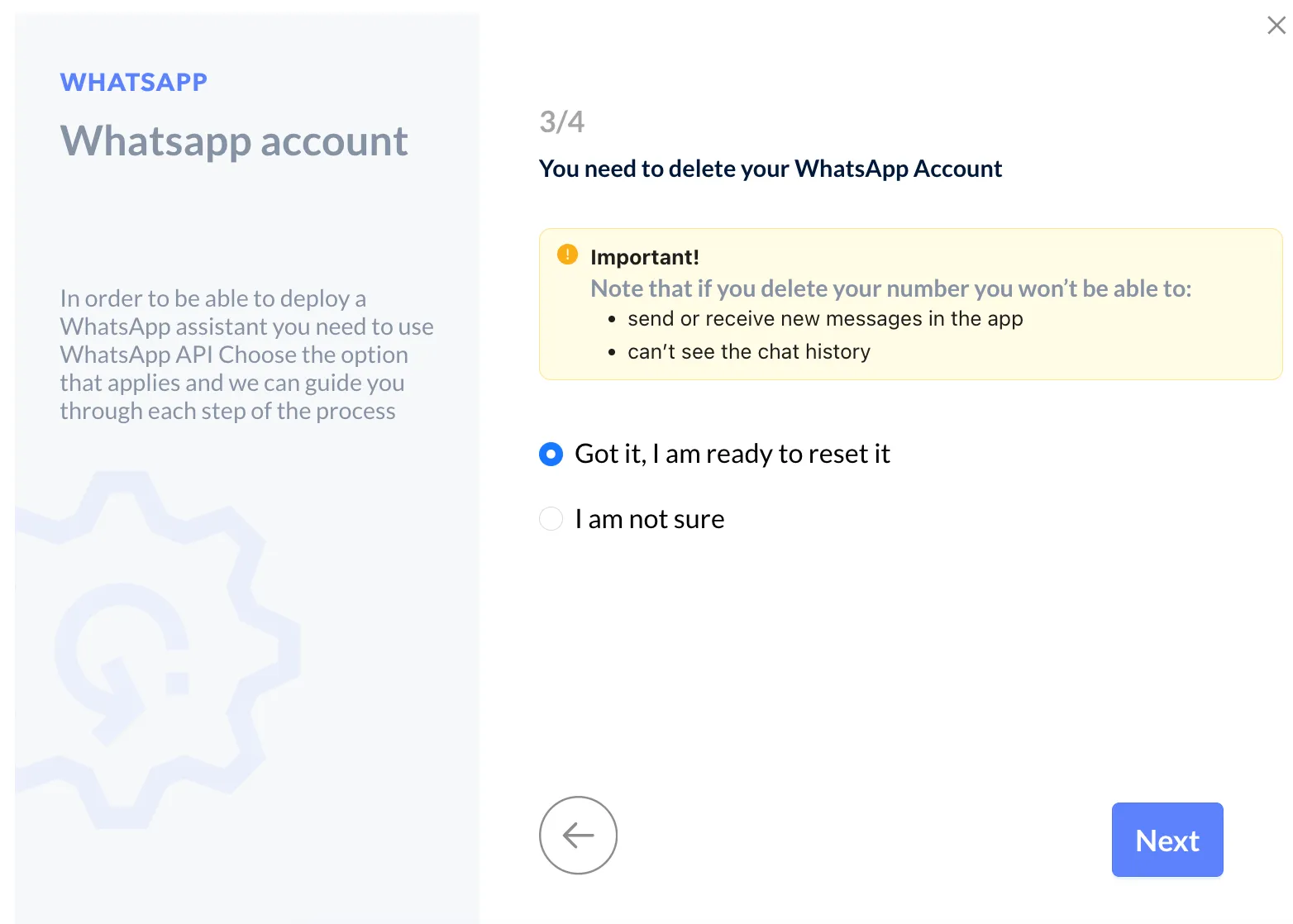
Choosing Option 2 or Option 3 requires deleting your WhatsApp account. Once deleted, you’ll no longer be able to send or receive messages in the app, and your entire chat history will be removed.
-
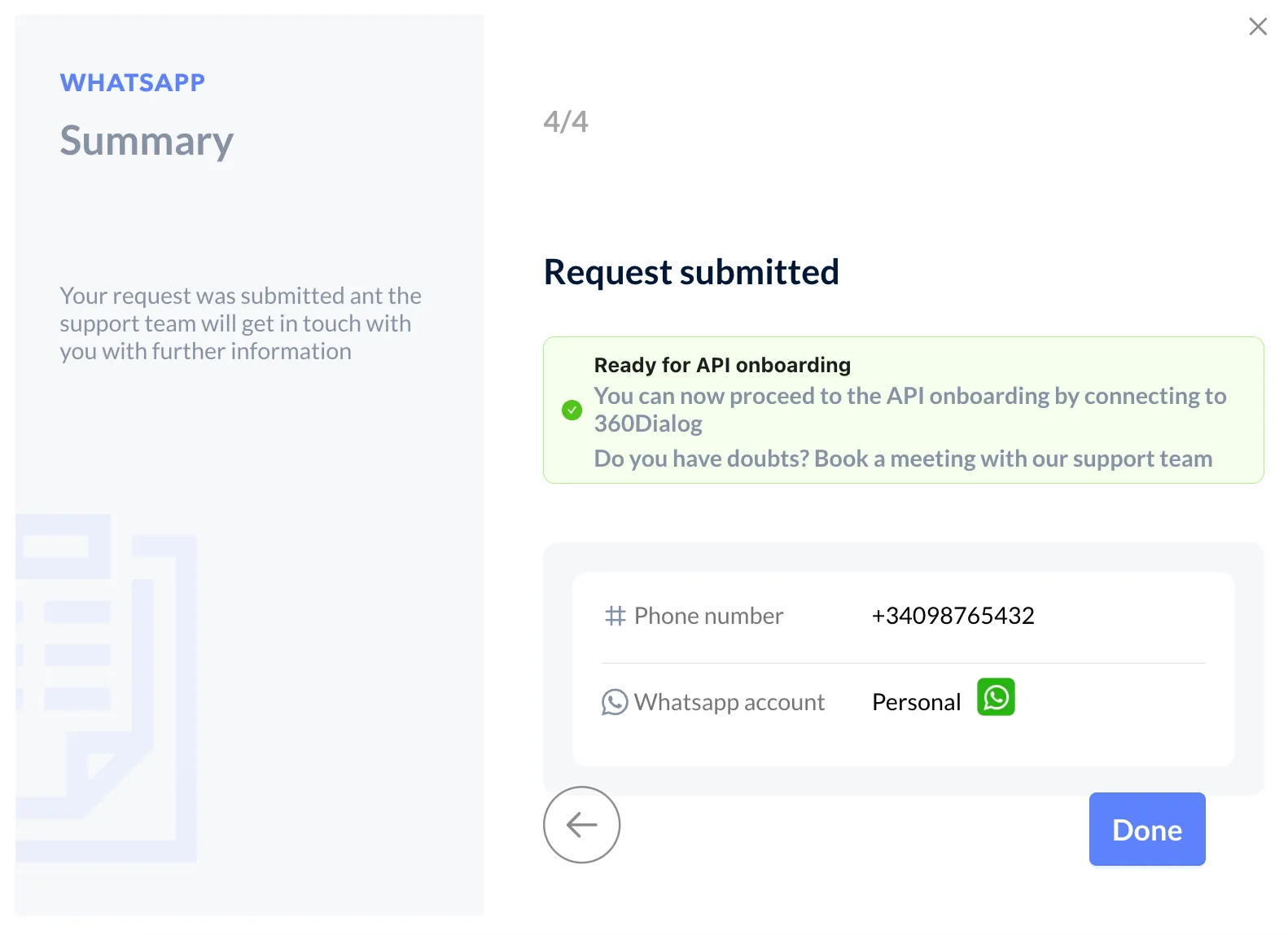
Once you have deleted your account, you will be able to proceed with API onboarding by connecting to 360 Dialog. If you have doubts, please book a meeting with our support team.
-
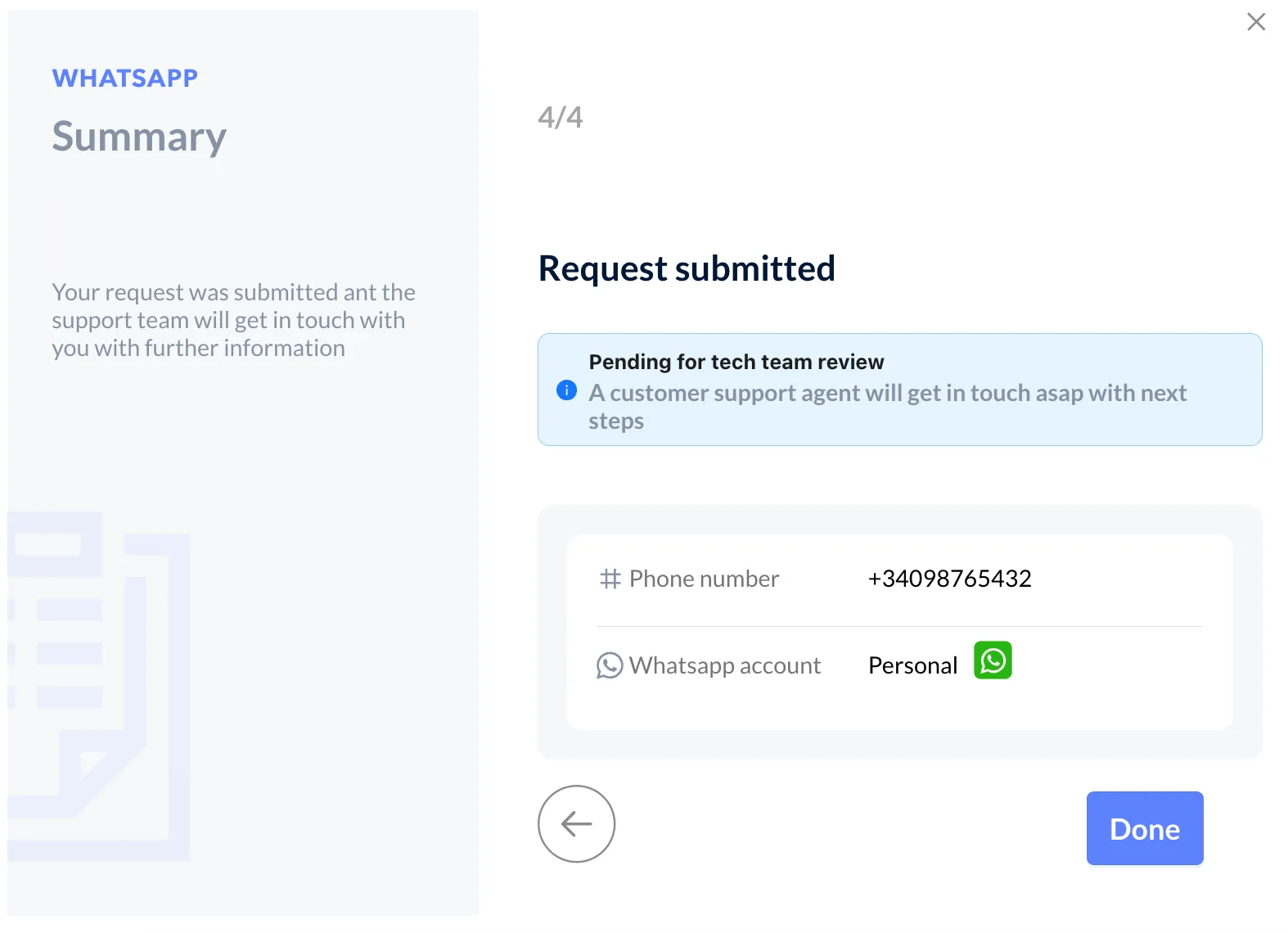
If you select any of the other options (1, 4, or 5), you’ll see this message confirming that your request has been submitted. A customer support agent will contact you shortly with the next steps.