
Venta cruzada
Ofrece otra hora u otro local cuando la primera opción del cliente no está disponible.
La venta cruzada de Bookline te permite ofrecer otras horas u otros restaurantes cuando no puedes dar la reserva que pide el cliente.
Para activarla
Sección titulada «Para activarla»-
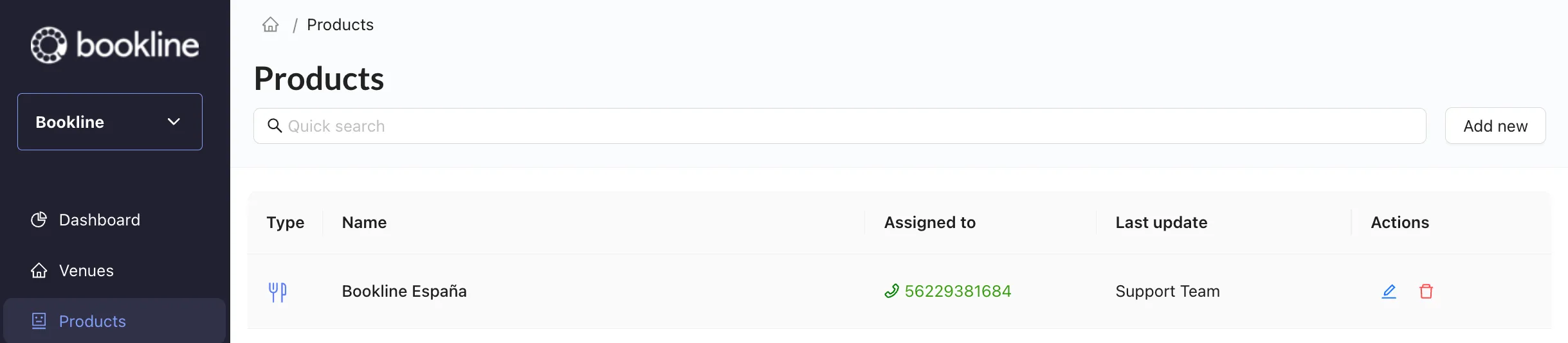
Abre tu asistente para editarlo desde la página de Productos del portal.
-
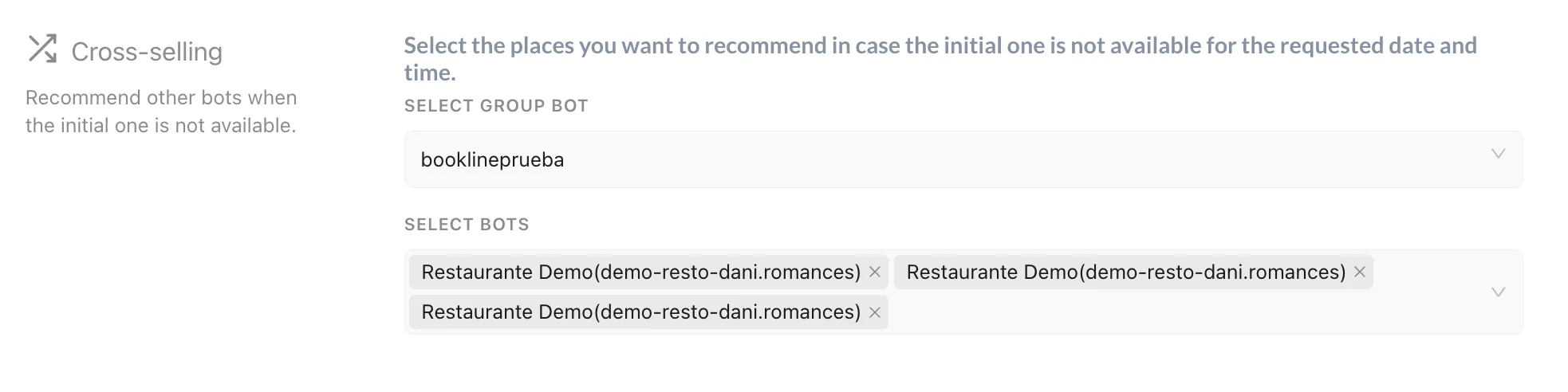
Busca la sección Venta cruzada. Si tu asistente no la tiene, escribe a soporte para que te la activen.
-
Ahí puedes elegir otro asistente del mismo grupo, que hará de local alternativo cuando la hora y el sitio que pide el cliente no estén disponibles.
Si necesitas crear un grupo, lo tienes explicado en Crear un grupo.