Crear un grupo
Organiza tus locales en grupos por marca, ciudad o el criterio que te venga bien.
-
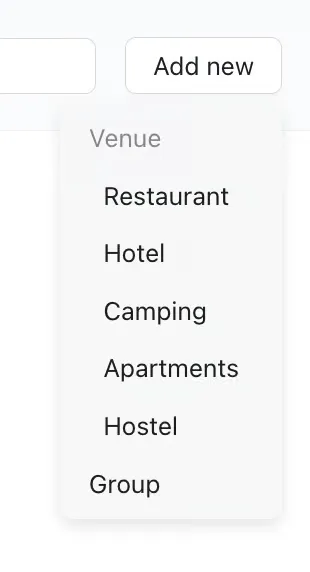
Para crear un grupo, pulsa «Añadir» arriba a la derecha y selecciona «Grupo».
-
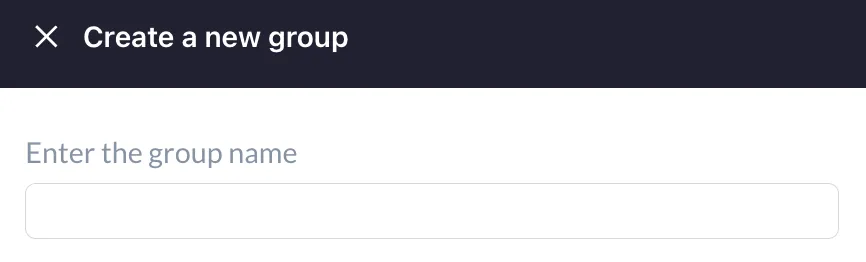
Ponle nombre al grupo. Puede ser el nombre del local, una zona geográfica o el criterio que te venga mejor.
-
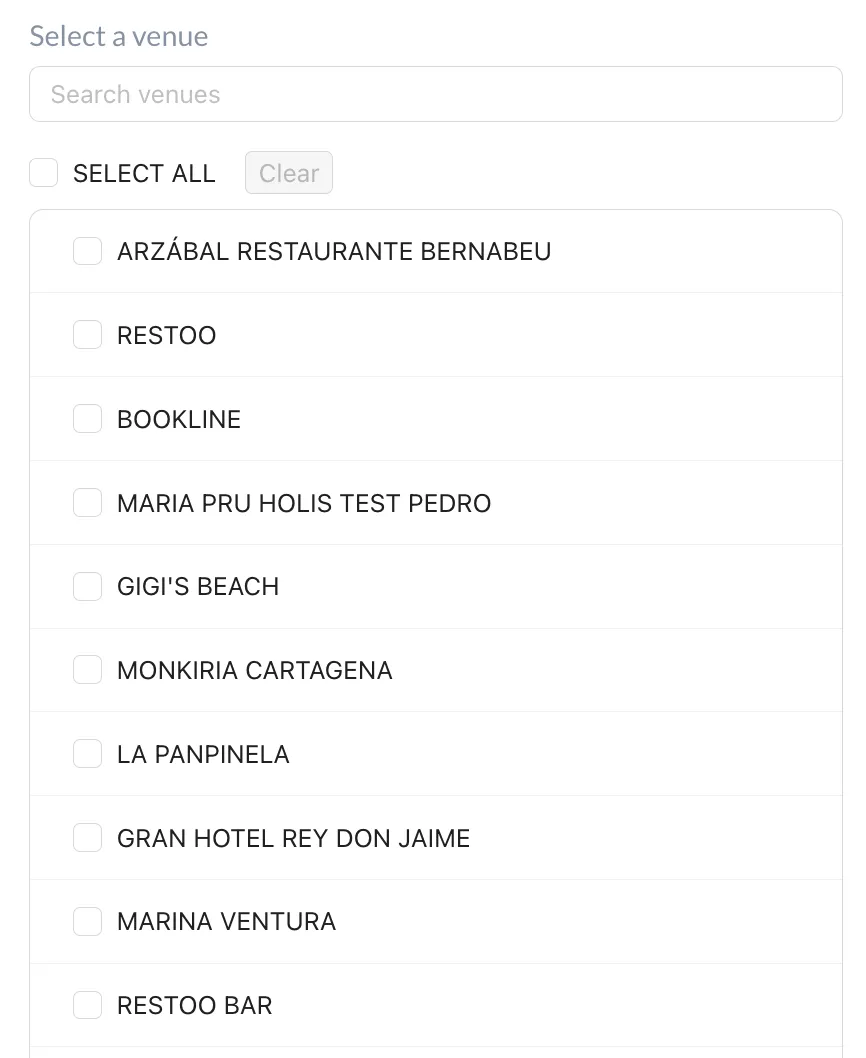
Para añadir un local al grupo, búscalo por nombre o selecciónalo de la lista. Ten en cuenta que el local tiene que existir antes de poder añadirlo.

-
Guarda el grupo con el botón azul Guardar grupo, al final de la página.