Purchasing a new phone number
How to purchase a new phone number
Section titled “How to purchase a new phone number”-
Click “Add New” and select Phone.

-
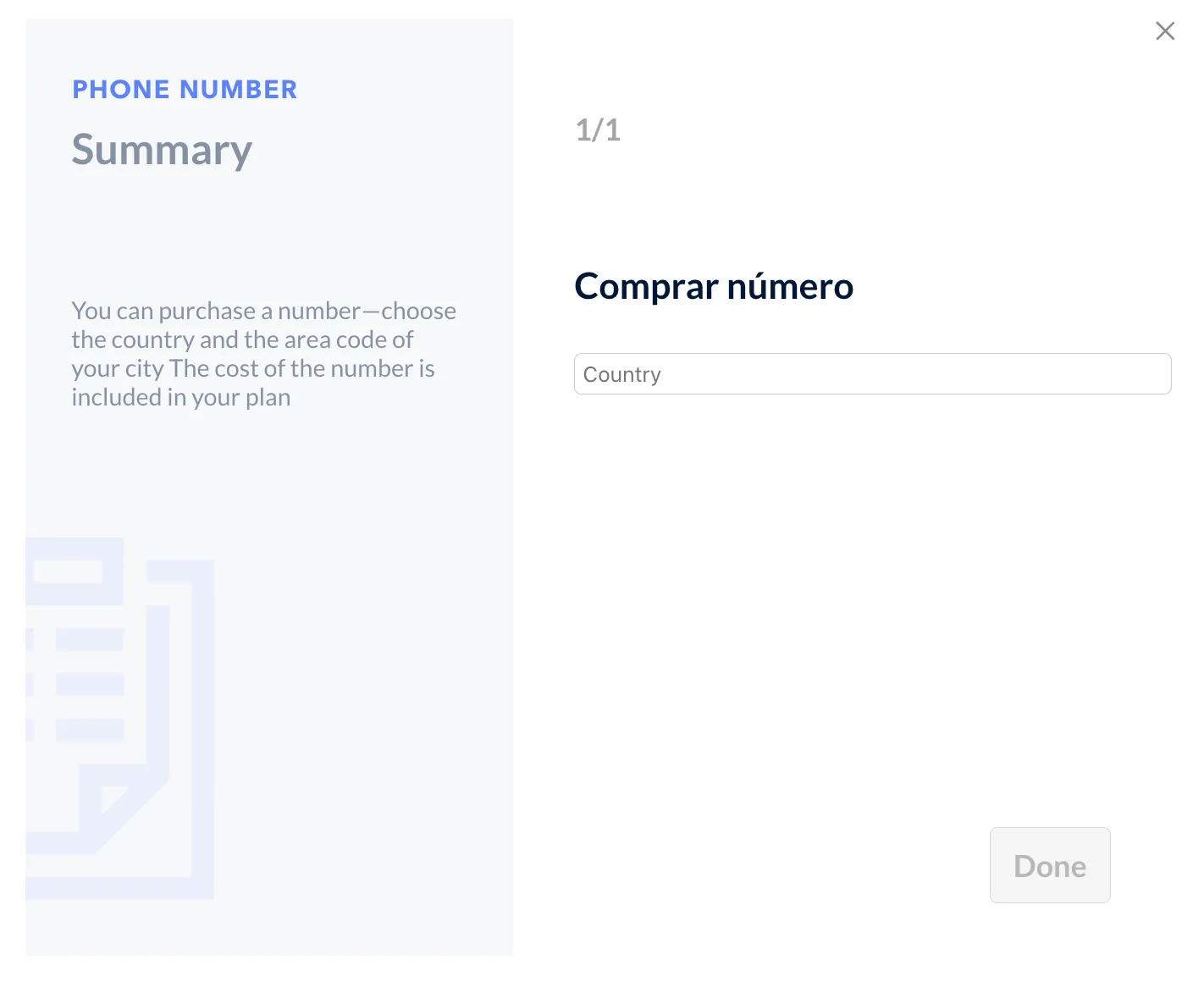
Select the country and city you would like the number to be from.
-
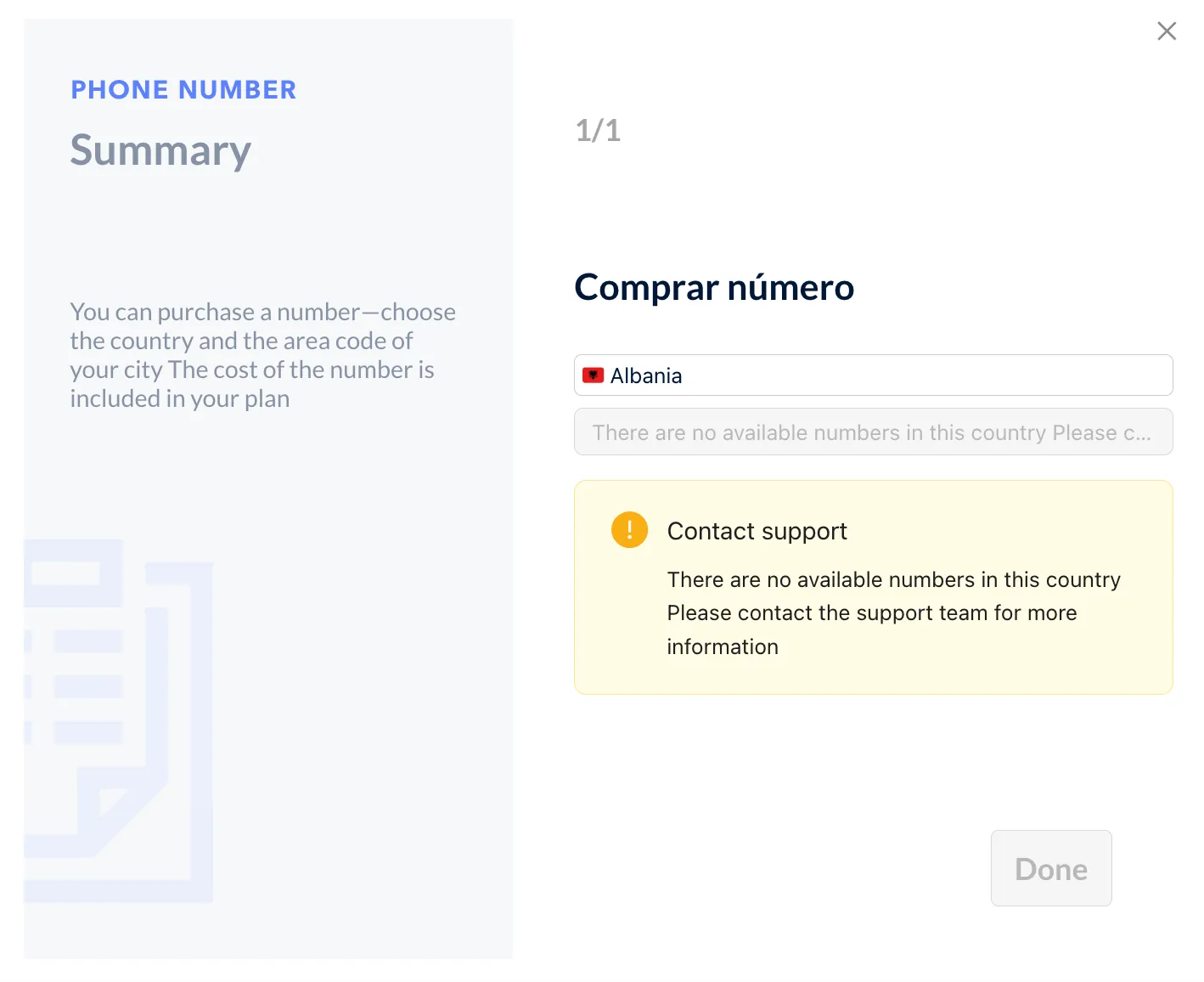
Some countries (i.e. Albania) will not have numbers available for purchase.
-
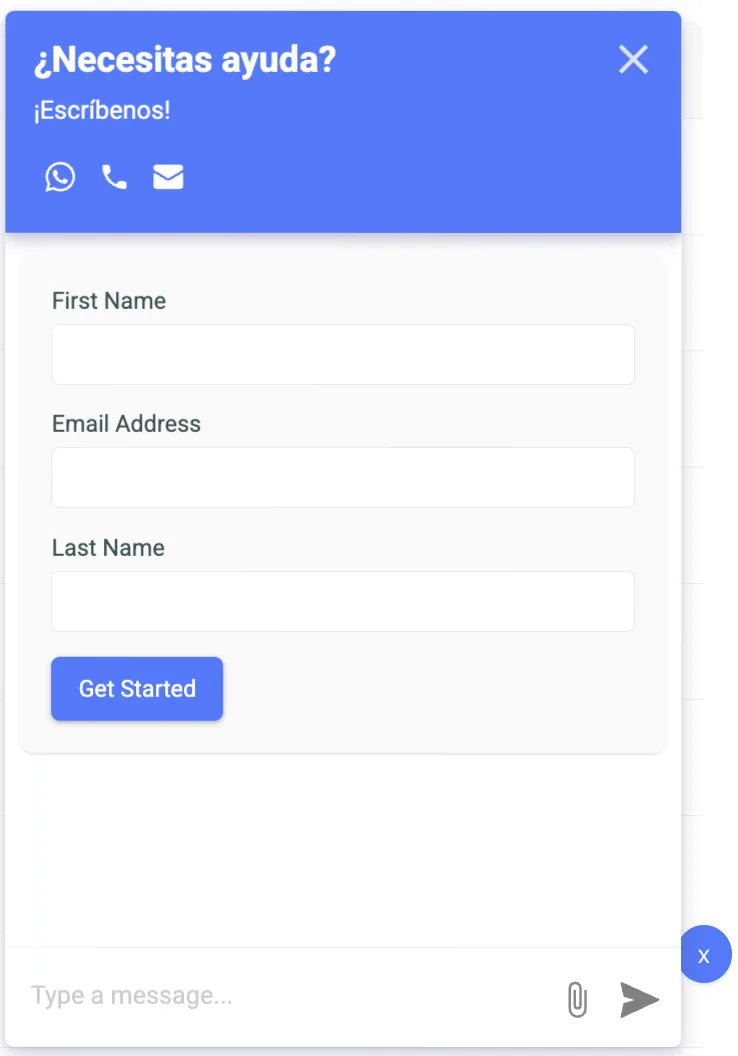
To proceed with your purchase, reach out to Support through the blue chat box in the bottom-right corner of your screen.
-
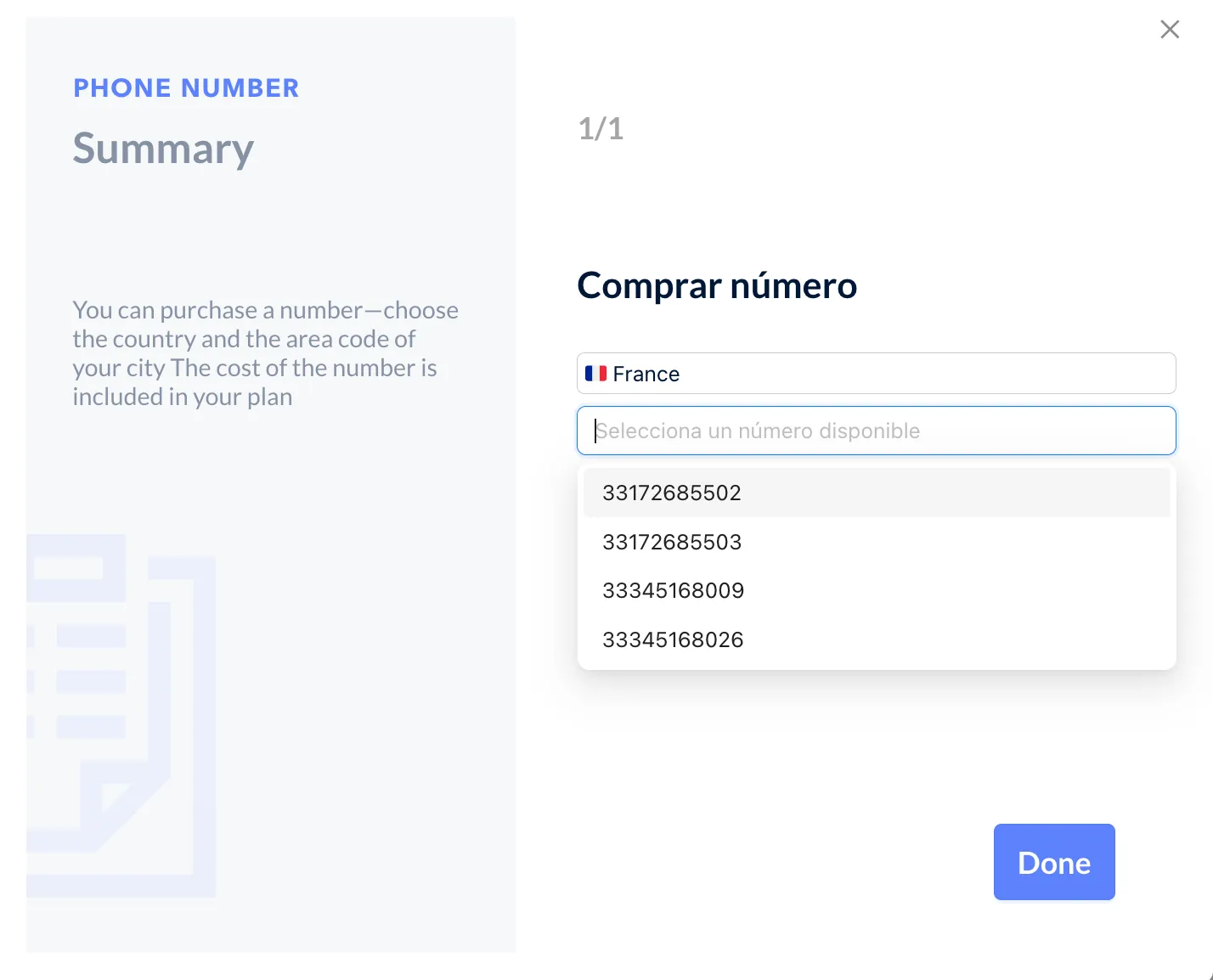
For countries such as France, Italy, the United Kingdom, Germany, and Switzerland, phone numbers are not tied to specific cities. Simply choose a number from the dropdown list to proceed. A selection is required to complete your purchase.
-
To complete your purchase click “Finalize”. Your number will now be saved and available in Channels.