Products
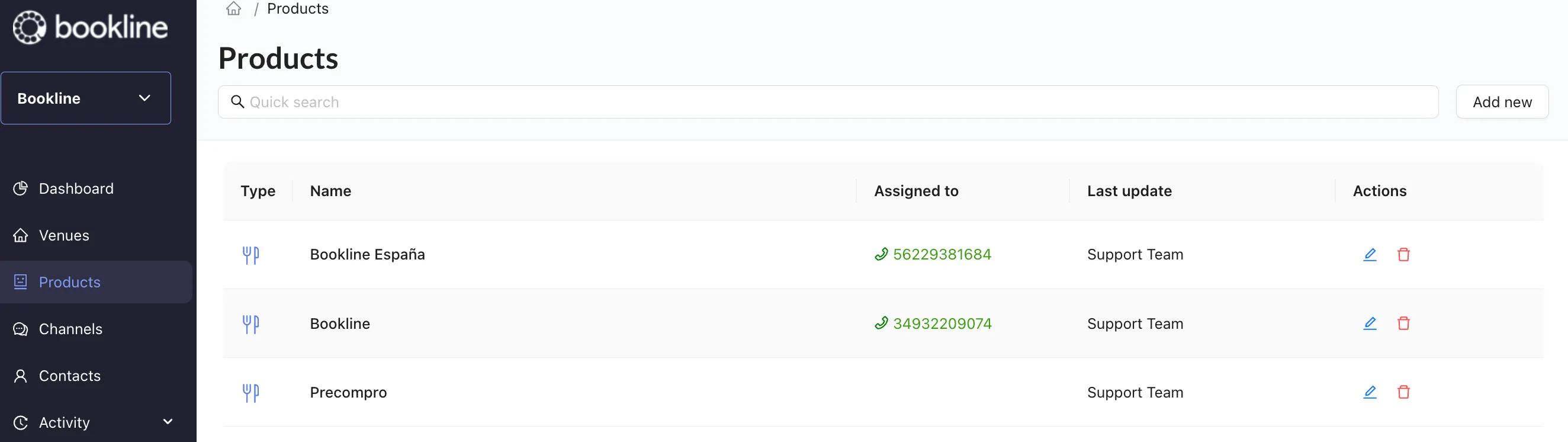
The products page is where you will create and assign voice bots.
You can access Products via:
https://app.bookline.io/products
General Information
Section titled “General Information”- Search: quickly locate previously created voice bots.
- Add new: create a new voice bot and assign it to a venue.
- Type: the fork and knife symbol represents restaurants
- Name: name of voice bot
- Assigned to: you can see the phone number this bot is associated with.
- Last update: person/team that made the most recent changes.
- Actions: click the blue edit button to make changes or updates to your bot. Click the red trashcan to delete this bot.